

The concept of “smartboards in the elementary classroom” refers to an educational approach that enhances digital interaction and strengthens students’ active participation in elementary school lessons. Smart boards replace traditional whiteboards by enabling teachers to instantly present multimedia content, annotate in real time, and allow students to interact using their fingers or a stylus.
What Is a Smart Board?
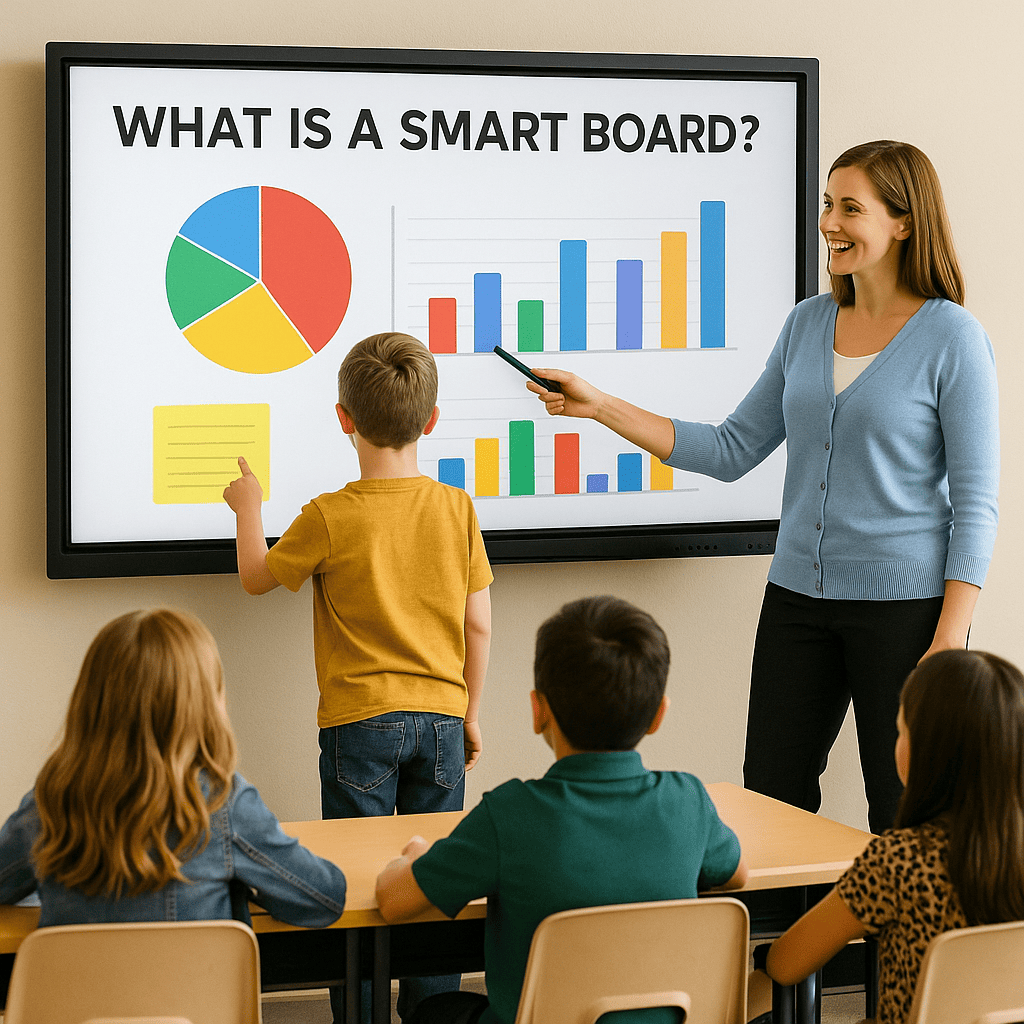
A smart board is an interactive display device that transforms a traditional whiteboard into a dynamic, touch-sensitive surface by connecting directly to a computer or network. Unlike passive projection screens, smart boards recognize input from both fingers and specialized styluses, allowing teachers and students to draw, write, and manipulate on-screen content in real time.
Smart boards typically consist of a durable glass or acrylic front panel mounted over a high-resolution LCD or LED display. Behind the surface, infrared or electromagnetic sensors detect touch points, enabling smooth handwriting recognition and gesture control (such as pinch-to-zoom or swipe-to-scroll). Many models include built-in speakers and USB ports, while others support wireless screen-mirroring from tablets and laptops.
In the classroom, educators can launch multimedia lessons directly on the board—playing videos, annotating PDFs, or running interactive simulations—without switching devices. Teachers often use dedicated smart board software to organize lesson materials into “pages” or “slides,” add digital sticky notes, and save student work for later review. Integration with cloud services like Google Drive or Microsoft OneDrive means lesson files and student contributions can be shared instantly across the school network.
Beyond basic drawing and presentation, advanced smart boards support collaborative features: multiple users can write simultaneously, whether side by side at the front of the room or remotely via video conferencing tools. Some models offer built-in cameras and microphones for seamless hybrid teaching, while others connect to student response systems—quizzes and polls display results in real time, keeping everyone engaged and providing instant formative assessment data.
Because they merge hardware, software, and network capabilities, smart boards serve as a centralized hub for modern pedagogy. They promote active learning, cater to diverse learning styles (visual, auditory, kinesthetic), and facilitate differentiated instruction by allowing teachers to tailor activities on the fly. Over time, schools find that smart boards enhance lesson retention, encourage student collaboration, and streamline administrative tasks like attendance tracking or digital grading.
Benefits of Smartboards in the Elementary Classroom
Learning becomes far more enduring for young learners when it’s driven by play and interaction, and Smartboards in the Elementary Classroom are at the heart of this transformation. A smartboard for classroom use at the primary level turns every lesson into an engaging experience: students build vocabulary through interactive storytelling sessions on the touchscreen, develop fine motor skills as they trace letters and colors with digital pens, and strengthen their social abilities by collaborating on group challenges. With Smartboards in the Elementary Classroom, children actively participate by tapping, dragging, and annotating directly on the display, and teachers gain immediate insights—seeing exactly where each student struggles and offering on-the-spot guidance to close learning gaps. By integrating a smartboard for classroom activities into everyday teaching, educators create dynamic environments where every child’s voice is heard and every concept is reinforced through hands-on discovery. Thanks to Smartboards in the Elementary Classroom, lessons become lively, interactive journeys that make learning both memorable and effective.
Smartboard Classroom: Three Essential Interactive Platforms for Engaging Learning
Warning: The websites and products listed below are not sponsored content; they are provided based on independent research. Please conduct your own thorough evaluation before use.
SMART Learning Suite
A comprehensive software package that empowers teachers to create, deliver, and manage interactive lessons on a smart board. With drag-and-drop lesson building, real-time student response systems, and built-in assessment tools, SMART Learning Suite lets you seamlessly integrate multimedia, polls, and quizzes into each session. Teachers can save annotated sessions to the cloud for later review, track individual student engagement, and export performance data to streamline grading and reporting.
🌐 Web Site: https://education.smarttech.com
Explain Everything
An award-winning collaborative whiteboard platform designed for both in-class and remote learning environments. Explain Everything offers an infinite canvas where teachers and students can draw, animate, record voice-over explanations, and import images or documents. Real-time collaboration lets multiple participants contribute simultaneously, whether they’re in the same classroom or across the globe. Its built-in recording feature captures every stroke and annotation, turning lessons into on-demand videos that can be shared via link or embedded in LMS systems.
🌐 Web Site: https://explaineverything.com
Limnu
A lightweight, ultra-responsive online whiteboard that mimics the natural feel of pen on paper. Limnu supports infinite boards, high-precision drawing tools, and instant invitations via shareable links. Educators can layer boards into “spin-through” slide decks, import PDFs or images for annotation, and lock background content to prevent accidental edits. With integrated chat and audio, Limnu facilitates live discussions while preserving a full edit history for each board—ideal for reviewing group work and tracking student contributions over time.
🌐 Web Site: https://limnu.com


